Head-to-head comparison
Olive Tree Bible App vs e-Sword
Ratings, pricing, platforms, real-world strengths, and a clear pick for each kind of user.


Olive Tree and e-Sword represent the two different paths to serious study without committing to Logos's price. e-Sword is the free desktop workbench that has quietly lasted a quarter century: still free at the core, premium modules at app-store prices, cross-window layout built for long-form study. Olive Tree is the mobile-first reader with a modular commentary shelf, owned by a major publisher, with true cross-platform parity and modern polish throughout.
The choice reflects where you actually study. e-Sword is for people who sit at a real desk for an hour, build a workspace, and do long-form exegetical work. Olive Tree is for people who read on a phone, a tablet, and a laptop throughout the week, expecting everything to sync seamlessly. Both are serious tools; they're just built for different bodies and schedules.
The bottom line
Choose Olive Tree if you study across multiple devices and want a clean, modern experience that just works. Choose e-Sword if you do long-form study on a desktop, own rather than rent your tools, and don't mind a dated UI in exchange for a genuinely free core. Olive Tree is the modern reader; e-Sword is the budget workbench.
The core difference: Olive Tree is mobile-first with modern polish and cross-device sync; e-Sword is desktop-first with a dated UI and no cloud sync, but genuinely free and fully offline.
Olive Tree Bible App vs e-Sword: at a glance
| Olive Tree Bible App | e-Sword | |
|---|---|---|
| Rating (source) | 4.8 / 5 (App Store rating) | 4.8 / 5 (App Store rating) |
| Starting price | Free app, then paid IAP | Free |
| Free tier | Yes | Yes |
| Platforms | iOS · Android · Mac · Windows | Windows · macOS · iOS · iPad (Android via third party) |
| Developer | HarperCollins Christian Publishing | Rick Meyers |
| Launched | 1998 | 2000 |
| Best for | Daily readers who want one clean Bible app for the next ten years | Bivocational pastors and lay teachers on a tight software budget |
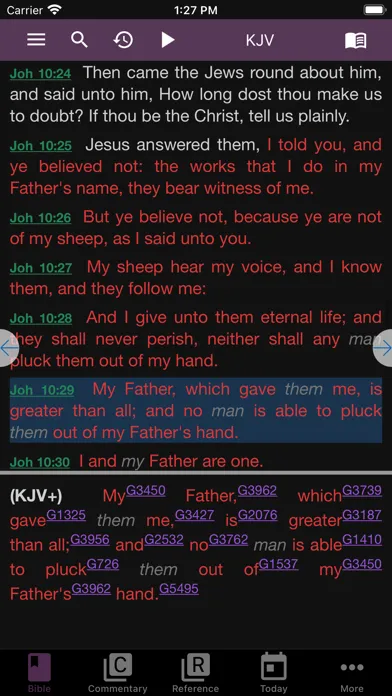
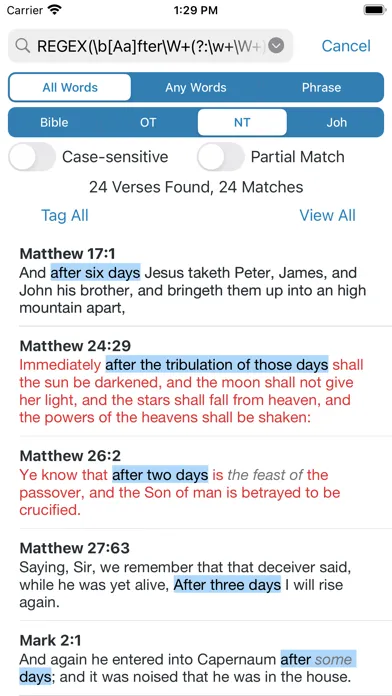
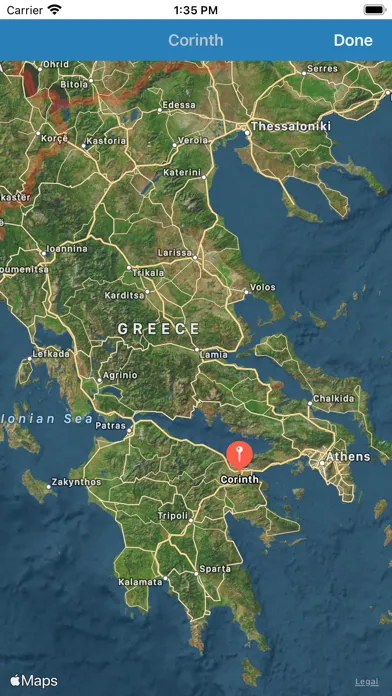
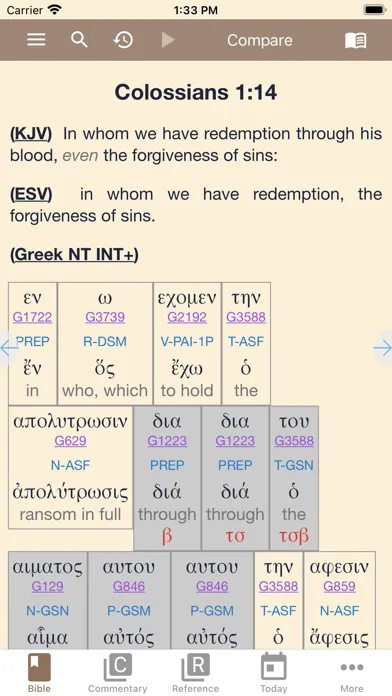
See them in action
e-Sword
How they compare, point by point
User Interface & Polish
Olive Tree Bible App
Modern, clean, professional. Typography, margins, night mode, and the overall visual design all feel like a publisher built them. Intuitive on day one.
e-Sword
Looks like Windows XP. Busy toolbars, small icons, no dark mode yet, mid-2000s visual language. Functional, but dated enough that some new users bounce before seeing the depth.
Cross-Device Sync
Olive Tree Bible App
Seamless: iOS, Android, Mac, Windows all feel first-class. Highlights, notes, bookmarks, reading position, and all purchased resources sync instantly across devices.
e-Sword
No native cloud sync. Notes and highlights live on the machine where you installed them. Workarounds exist (syncing the data folder through Dropbox), but nothing like modern apps expect.
Cost & Payment Model
Olive Tree Bible App
Free app, then pay-per-resource: translations $10-20, study Bibles $30-60, commentaries $100+. One-time purchases, no subscription.
e-Sword
Genuinely free base with KJV, ASV, Matthew Henry, Gill, Clarke, Strong's, and lexicons. Premium modules roughly $10-30 each as one-time purchases. No subscription.
Free Core Library
Olive Tree Bible App
KJV, ASV, and a handful of other public-domain translations. Full notes, highlights, split-screen, and sync included. Good foundation; need modern translations.
e-Sword
KJV, ASV, four full classical commentaries (Matthew Henry, Gill, Clarke, JFB), Strong's Hebrew and Greek, Easton's Dictionary, and dozens of free third-party resources. Genuinely complete study library before paying a cent.
Study Layout & Workflow
Olive Tree Bible App
Split-screen reading on all platforms: one pane for text, another for commentary, synced together. Works beautifully on phone (stacked) and desktop (side-by-side).
e-Sword
Cross-window layout: resizable panes on desktop (Bible, commentary, lexicon, notes all synced to the same verse). The workbench that survived the mobile era. Desktop-optimized; mobile is a companion.
Which should you choose?
Olive Tree Bible App
Choose Olive Tree if you study across multiple devices and want everything in sync. The free app is one of the best readers on any platform, split-screen study is elegant, and you can grow the library at your own pace without subscription lock-in. Modern, polished, genuinely works on phone, tablet, and desktop.
e-Sword
Choose e-Sword if you do serious long-form study on a desktop and don't want to rent your tools. The free core is genuinely complete: Matthew Henry, Gill, Clarke, Strong's, and lexicons are all included. Premium modules are cheap. Pay once, own forever. The UI is dated but the workflow is solid.
Many readers use both: e-Sword on the desktop for sermon prep, Olive Tree on the phone for reading. No cloud sync in e-Sword means they won't stay in perfect sync, but both are free to own, so the cost is zero.
Strengths at a glance
Olive Tree Bible App
- Best-in-class reader UX for a paid study app - typography, margins, and night mode all feel like a publisher built them, not a startup
- Cross-device sync is genuinely seamless - highlights, notes, and reading position move instantly between iPhone, Mac, and Windows
- Modular library you own forever - commentaries are one-time IAP, not a subscription you lose when you stop paying
- Split-screen study works on phones too - most competitors only allow split-pane on tablet or desktop
e-Sword
- Genuinely free core - the base install ships with KJV, ASV, classical commentaries (Matthew Henry, Gill, Clarke, Jamieson-Fausset-Brown), Strong's, and Easton's Bible Dictionary
- Cross-window study layout - parallel Bibles, commentaries, and lexicons all sync to the same verse so a click moves everything at once
- Premium modules priced like apps, not subscriptions - most paid translations and commentaries land in the $10-$30 range as one-time buys
- Strong's, Greek/Hebrew lexicons, and morphology built in at no charge - a feature Logos charges hundreds for
Watch-outs
Olive Tree Bible App
- Commentary pricing adds up fast - a full study setup can run several hundred dollars piece by piece
- The store UX feels dated - discovery is mostly browsing categories rather than smart recommendations
- No real social or community layer (yet) - no friends, plans-with-friends, or sharing feed
e-Sword
- UI looks like Windows XP - toolbar buttons, mid-2000s icons, no dark-mode polish anywhere (yet)
- Newer translations cost money - the NIV, ESV, NASB, CSB, and NLT are paid modules, not free downloads
- Mac and iOS versions are technically separate products with smaller libraries - module compatibility is not one-to-one
Frequently asked questions
Is Olive Tree or e-Sword better?
For mobile-first multi-device study, Olive Tree. For desktop workbench study with a genuinely free core library, e-Sword. Different strengths. Olive Tree is modern and polished. e-Sword is free and offline-complete.
Which one is actually free?
Both are free to start. e-Sword's core is genuinely complete: Matthew Henry, Strong's, lexicons included. Olive Tree's core is a good reader but needs modern translations (which cost money). e-Sword gives more for free.
Can I use Olive Tree on my desktop?
Yes. Olive Tree runs on iOS, Android, Mac, and Windows, and everything syncs seamlessly. e-Sword also runs on Mac (e-Sword X) and Windows, but is primarily a desktop application.
Does e-Sword work on iPhone?
Yes (e-Sword HD/LT for iOS), but the module library is smaller and modules don't cross-license with the Windows build. Best understood as a companion to the desktop install rather than a full replacement.
Is Olive Tree Bible App free?
Yes - Olive Tree Bible App has a free tier (Free app, then paid IAP).
Is e-Sword free?
Yes - e-Sword has a free tier (Free).
Olive Tree is the thoughtful reader's daily Bible app - a clean reader with a serious à la carte library behind it. e-Sword is the free-software grandparent of digital Bible study - homely UI, encyclopedic free library, and a premium module store that costs a fraction of Logos.