Three-way comparison
Logos Bible Software vs Olive Tree Bible App vs e-Sword
All three compared side by side — ratings, pricing, platforms, real-world strengths, and a clear pick for each kind of user.

The Bible-study software ladder breaks into three very different price-and-power tiers. Logos is the professional research platform: original-language depth, AI search, sermon builder, factbook, thousands of integrated resources. You pay hundreds upfront and often a monthly subscription on top. Olive Tree is the clean mid-tier daily reader with a serious à la carte commentary library behind it: buy once, own forever, works on every device. e-Sword is the free desktop workbench that has somehow outlasted every flashy competitor for 25 years: classical commentaries and Strong's included, premium modules à la carte at app prices, no subscription.
The choice is straightforward: do you need premium scholarship depth and AI tooling (Logos), or do you want a clean, device-agnostic reader with a modular library you own (Olive Tree), or do you want the most study power per dollar and don't mind a dated UI (e-Sword).
The bottom line
Logos wins for full-time pastors, seminarians, and academics who need the deepest original-language tools, the broadest modern commentary library, and integrated sermon workflow. The cost is real, but the work it saves is real too. Olive Tree wins for thoughtful daily readers and small-group leaders who want one solid app across phone and desktop, with the option to slowly build a commentary shelf without committing to a subscription. e-Sword wins on price-per-usable-resource: if you're bivocational, budget-conscious, or you prefer a desktop workbench to a mobile feed, the free core plus selective $20 module purchases beats everything.
The core difference: Logos is premium/subscription; Olive Tree is mid-tier/modular; e-Sword is free/bargain. The axis is price and learning curve, not capability.
Logos Bible Software vs Olive Tree Bible App vs e-Sword: at a glance
| Logos Bible Software | Olive Tree Bible App | e-Sword | |
|---|---|---|---|
| Rating (source) | 4.9 / 5 (App Store rating) | 4.8 / 5 (App Store rating) | 4.8 / 5 (App Store rating) |
| Starting price | Free, then $9.99/mo (Logos Pro) | Free app, then paid IAP | Free |
| Free tier | Yes | Yes | Yes |
| Platforms | Mac · Windows · iOS · Android · Web | iOS · Android · Mac · Windows | Windows · macOS · iOS · iPad (Android via third party) |
| Developer | Faithlife | HarperCollins Christian Publishing | Rick Meyers |
| Best for | Pastors writing weekly sermons | Daily readers who want one clean Bible app for the next ten years | Bivocational pastors and lay teachers on a tight software budget |
See them in action
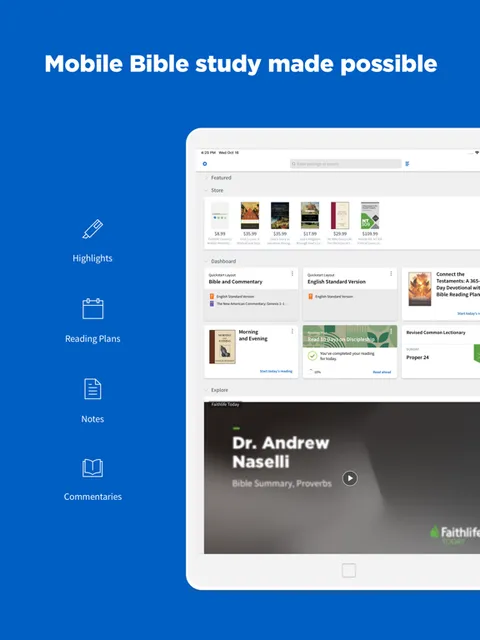
Logos Bible Software
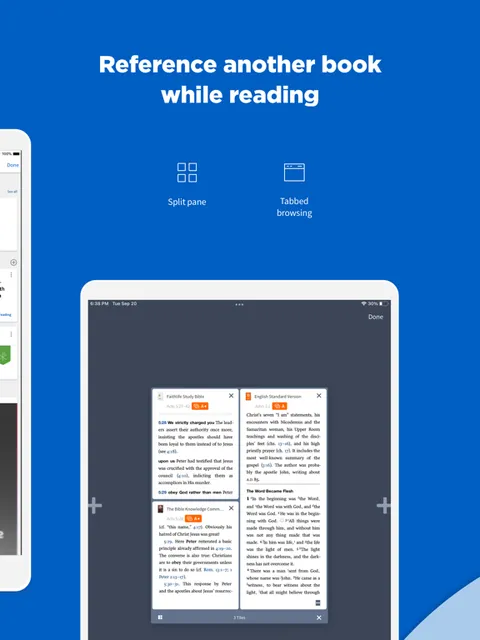
e-Sword
How they compare, point by point
Starting Price
Logos Bible Software
Free Logos account to explore, then Logos Pro at $9.99/mo minimum; library packages start around $294 and climb to $5,000+.
Olive Tree Bible App
Free app forever; NIV/ESV starter bundles around $20; study Bibles $30-60; commentary sets $100-300+.
e-Sword
Free core with classical commentaries and Strong's. Premium modules $10-30 each. Zero subscriptions.
Original-Language Tools
Logos Bible Software
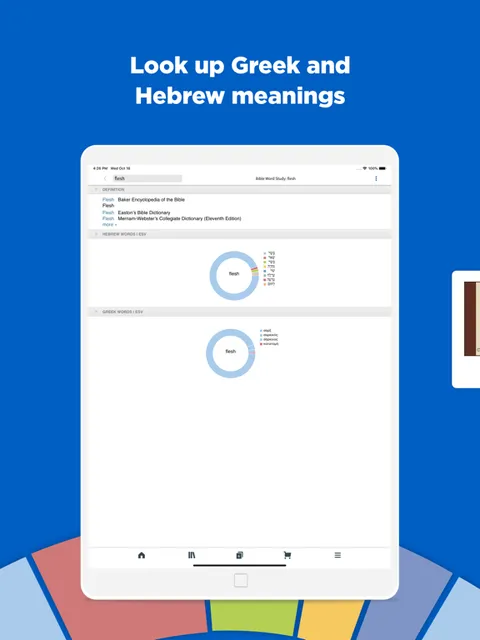
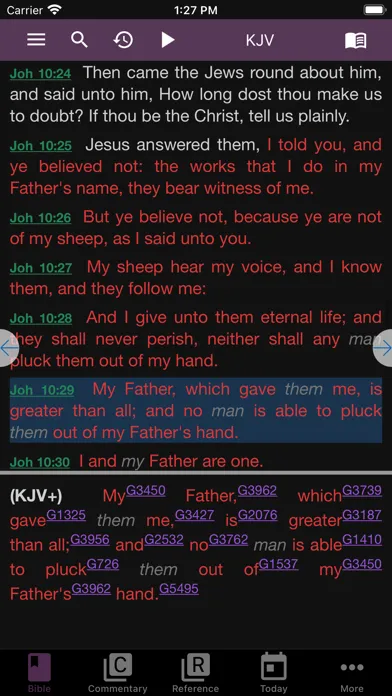
Best-in-class: reverse interlinear, morphology on every word, lemma search, Louw-Nida domains; you don't need Greek to benefit.
Olive Tree Bible App
Solid: Strong's, interlinear view, Greek/Hebrew tagged texts, lexicon lookups; adequate for lay teachers, thinner than Logos.
e-Sword
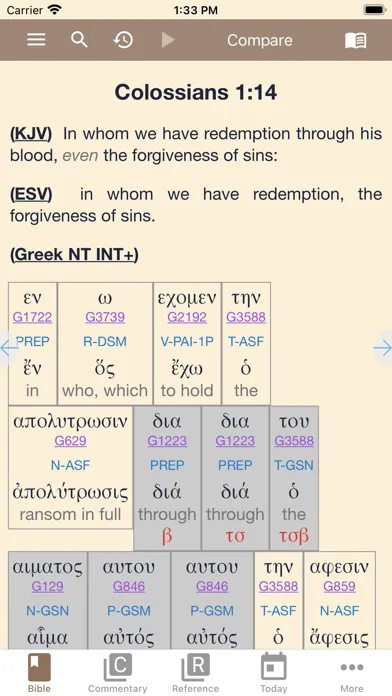
Excellent: Strong's, Greek/Hebrew lexicons, morphology, cross-window layout synced to every verse; free, not subscription-gated.
Commentary Catalog
Logos Bible Software
Enormous: academic series (NICOT, Word Biblical, Hermeneia), modern scholars, full journal archives if you buy the right tier.
Olive Tree Bible App
Moderate: NIV, ESV, MacArthur, Reformation, and other major study Bibles; single-volume commentaries; less breadth than Logos.
e-Sword
Classical core free; modern translations and commentaries à la carte; smaller catalog than either A or B but enough for 80% of users.
Cross-Device Sync
Logos Bible Software
Seamless: Mac, Windows, iOS, Android, web; notes and library follow you everywhere; heavy desktop app feels like the main client.
Olive Tree Bible App
Seamless: iOS, Android, Mac, Windows; every note and highlight and reading position syncs instantly; genuinely first-class on all four.
e-Sword
None: Windows desktop is the main experience. Mac and iOS are companions, not peers. Notes live on the machine you installed on.
Sermon/Teaching Tools
Logos Bible Software
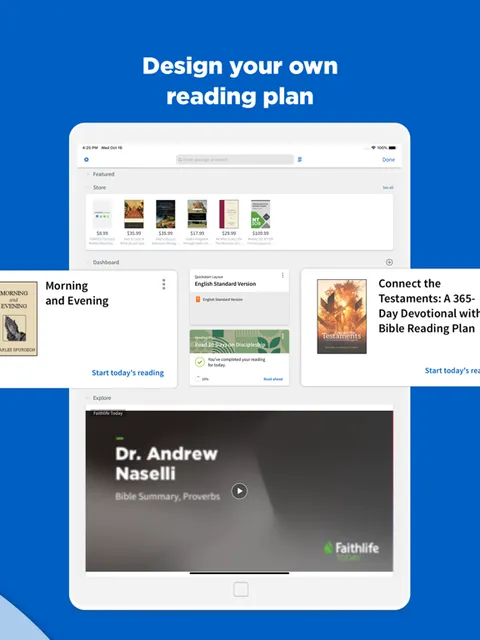
Sermon Builder is the killer: outline, manuscript, slides, handouts all stay linked to scripture and resources; Sermon Manager tracks every sermon you've preached.
Olive Tree Bible App
Notes, highlights, split-screen study layout; no dedicated sermon builder; good for preparing, not for building slides.
e-Sword
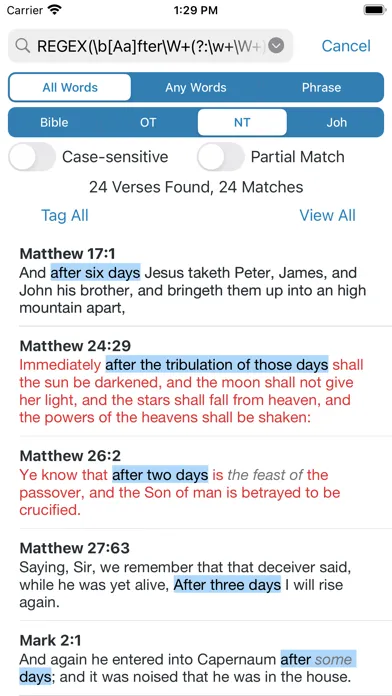
Cross-window workbench synced to every verse; no sermon-building interface; the work is all yours, layout is yours.
Learning Curve & Onboarding
Logos Bible Software
Steep: powerful enough to intimidate on first use; comprehensive tutorials help, but it's a tool you learn, not intuit.
Olive Tree Bible App
Gentle: typography is beautiful, search works, split-screen is intuitive; within an hour most readers know what they're doing.
e-Sword
Steep on the desktop side: small icons, busy toolbar, reference-heavy layout; web apps today skip this; worth the effort once learned.
Which should you choose?
Logos Bible Software
Choose Logos if you're a pastor writing 40+ sermons a year, a seminarian working in Greek and Hebrew, or a lay scholar doing serious research. The cost is real (easily $500-1,500 total in year one) but the Sermon Builder alone will change how you work, and the Factbook will save you hours of research every month. Start with Logos Pro and a Starter library.
Olive Tree Bible App
Choose Olive Tree if you want one solid, beautiful app across every device that grows with you. The free tier is genuinely nice, you own everything you buy (no subscriptions), and the typography and cross-device sync are the best in category. Build your library one commentary at a time as your needs grow. Best for thoughtful daily readers and small-group teachers.
e-Sword
Choose e-Sword if you're bivocational, budget-conscious, or you do long-form study at a desk and never look back. The free core (KJV, ASV, Matthew Henry, John Gill, Strong's, Greek/Hebrew lexicons) is a complete study library. Add a $20 modern translation and a $25 commentary and you're setup for $45 total. It's ugly, but the workflow is fast.
Frequently asked questions
Should I buy Logos or start with Olive Tree?
Start with Olive Tree. Buy a modern translation bundle ($20) and a study Bible ($40-50). If you hit the ceiling six months later and find yourself needing Logos depth, upgrade then. Most readers never do. Olive Tree is the right default.
Is Logos Pro worth it if I already have a library?
Yes, usually. Logos Pro unlocks Smart Search, advanced Sermon Builder, dynamic datasets, and Workflows. Most working pastors find the subscription is the more important purchase than the library itself. Many buy Pro and skip the premium library.
Why would anyone use e-Sword when Olive Tree exists?
e-Sword is free core, Olive Tree costs $20+ to be useful. e-Sword is desktop-focused, Olive Tree shines on mobile. e-Sword modules are cheap ($10-30), Olive Tree commentaries climb to $300. Pick e-Sword if budget is tight or you work at a desk all day.
Can I use Logos entirely on my phone?
Functionally yes, but the desktop app is the real product. Mobile is a field office. Olive Tree and e-Sword are more balanced for mobile use. Logos on a phone is possible but feels constrained. Plan to have a real screen for serious work.